
AIO Sandbox
HTTP-SSEAll-in-one agent sandbox environment with browser, terminal, file operations, VSCode, Jupyter, and MCP integration
All-in-one agent sandbox environment with browser, terminal, file operations, VSCode, Jupyter, and MCP integration

🌐 Browser | 💻 Terminal | 📁 File | 🔧 VSCode | 📊 Jupyter | 🤖 MCP




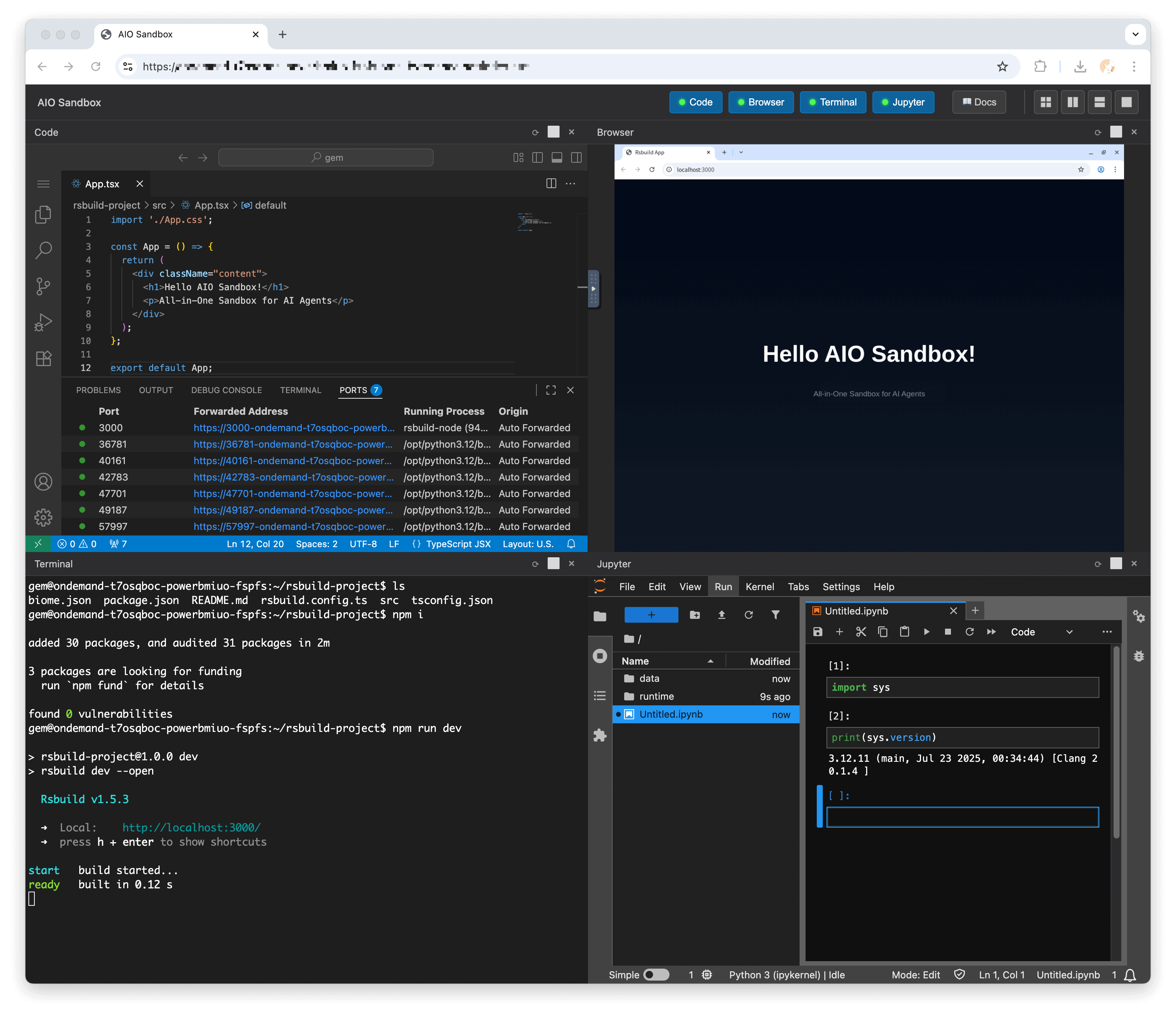
Get up and running in 30 seconds:
docker run --security-opt seccomp=unconfined --rm -it -p 8080:8080 ghcr.io/agent-infra/sandbox:latest
For users in mainland China:
docker run --security-opt seccomp=unconfined --rm -it -p 8080:8080 enterprise-public-cn-beijing.cr.volces.com/vefaas-public/all-in-one-sandbox:latest
Use a specific version in the format agent-infra/sandbox:${version}, for example, to use version 1.0.0.125:
docker run --security-opt seccomp=unconfined --rm -it -p 8080:8080 ghcr.io/agent-infra/sandbox:1.0.0.125
# or users in mainland China
docker run --security-opt seccomp=unconfined --rm -it -p 8080:8080 enterprise-public-cn-beijing.cr.volces.com/vefaas-public/all-in-one-sandbox:1.0.0.125
Once running, access the environment at:
AIO Sandbox is an all-in-one agent sandbox environment that combines Browser, Shell, File, MCP operations, and VSCode Server in a single Docker container. Built on cloud-native lightweight sandbox technology, it provides a unified, secure execution environment for AI agents and developers.
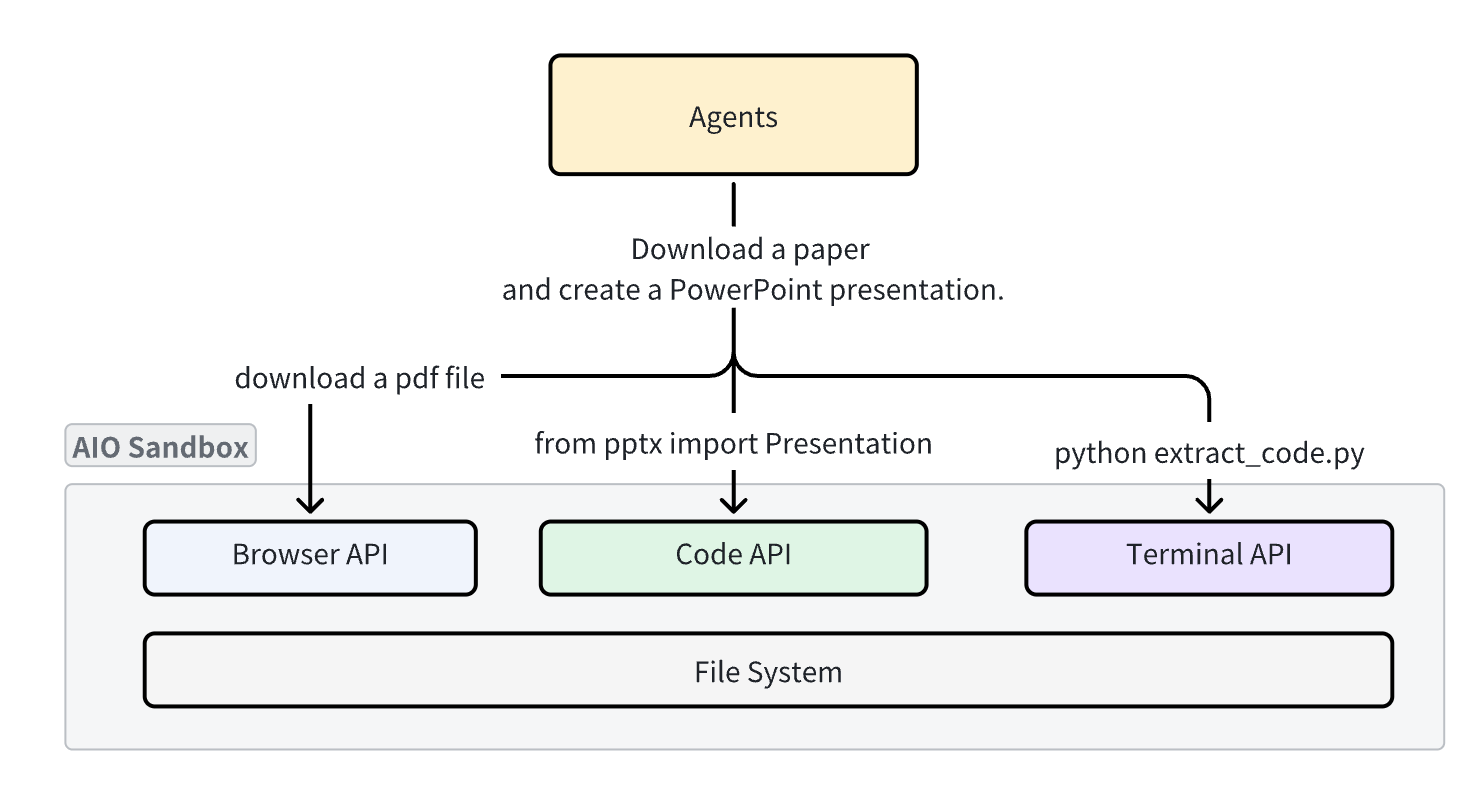
Traditional sandboxes are single-purpose (browser, code, or shell), making file sharing and functional coordination extremely challenging. AIO Sandbox solves this by providing:
|
Python
|
TypeScript/JavaScript
|
Golang
|
|
Python Example
|
TypeScript Example
|
All components run in the same container with a shared filesystem, enabling seamless workflows:
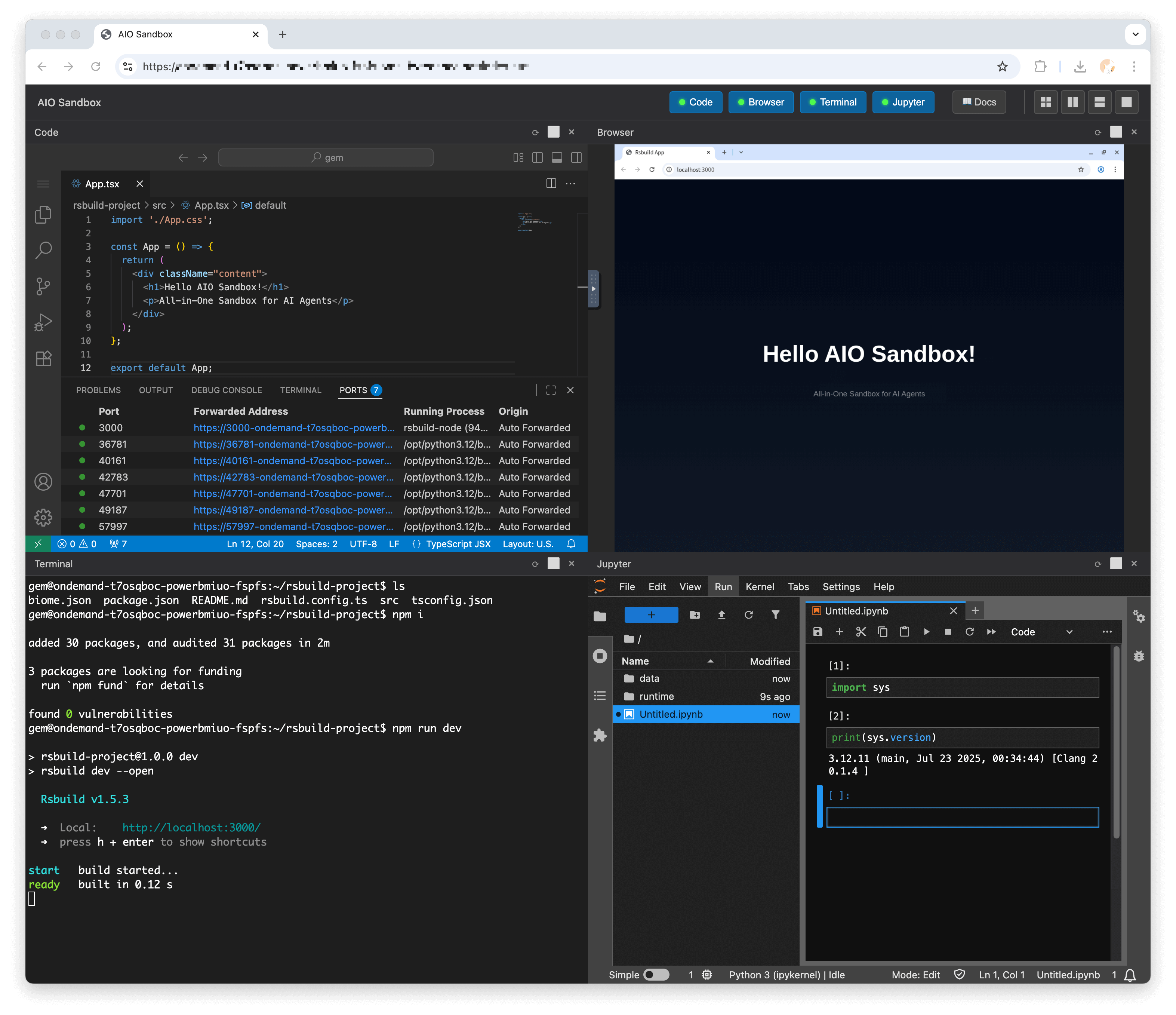
Full browser control through multiple interfaces:
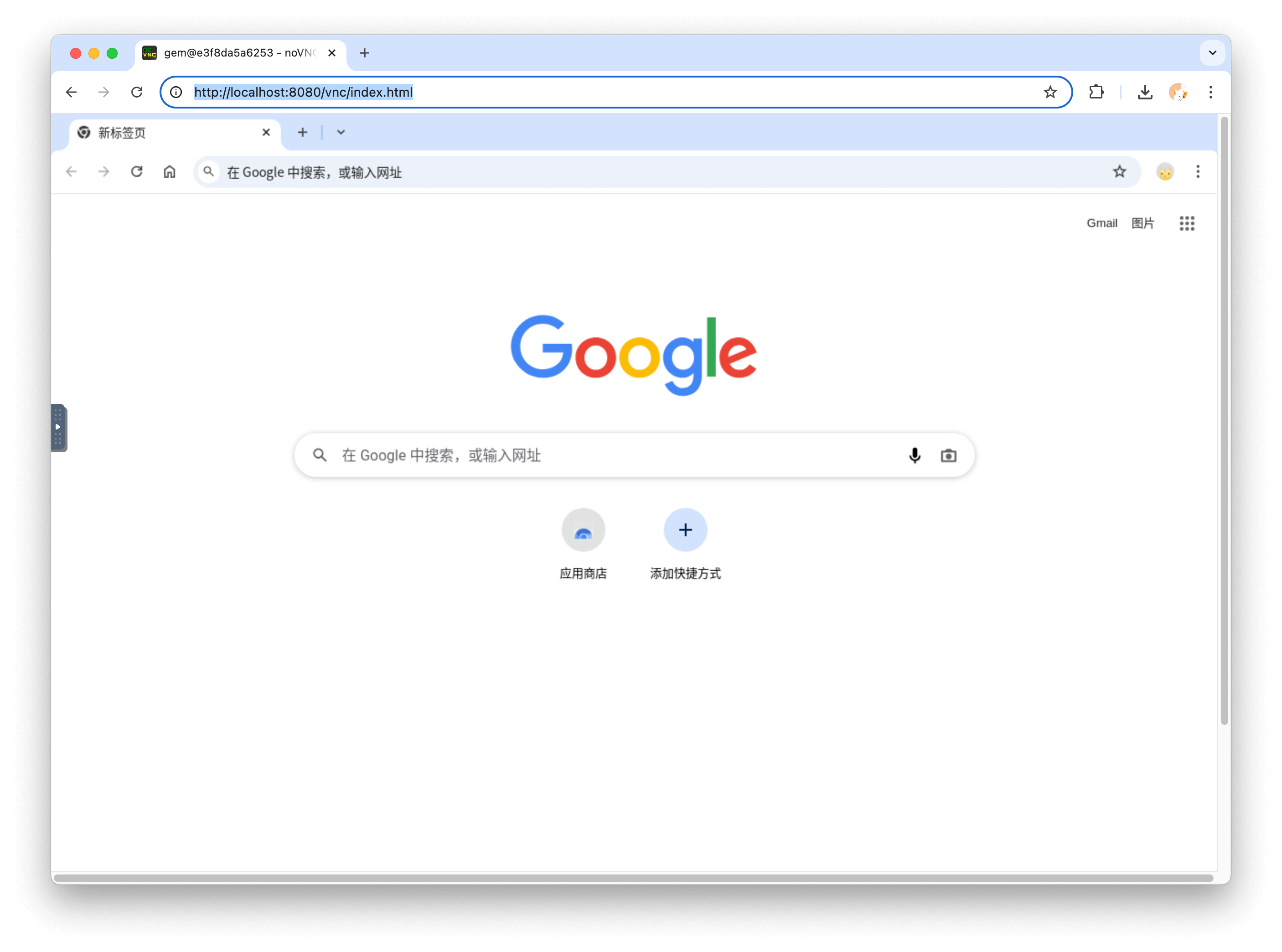
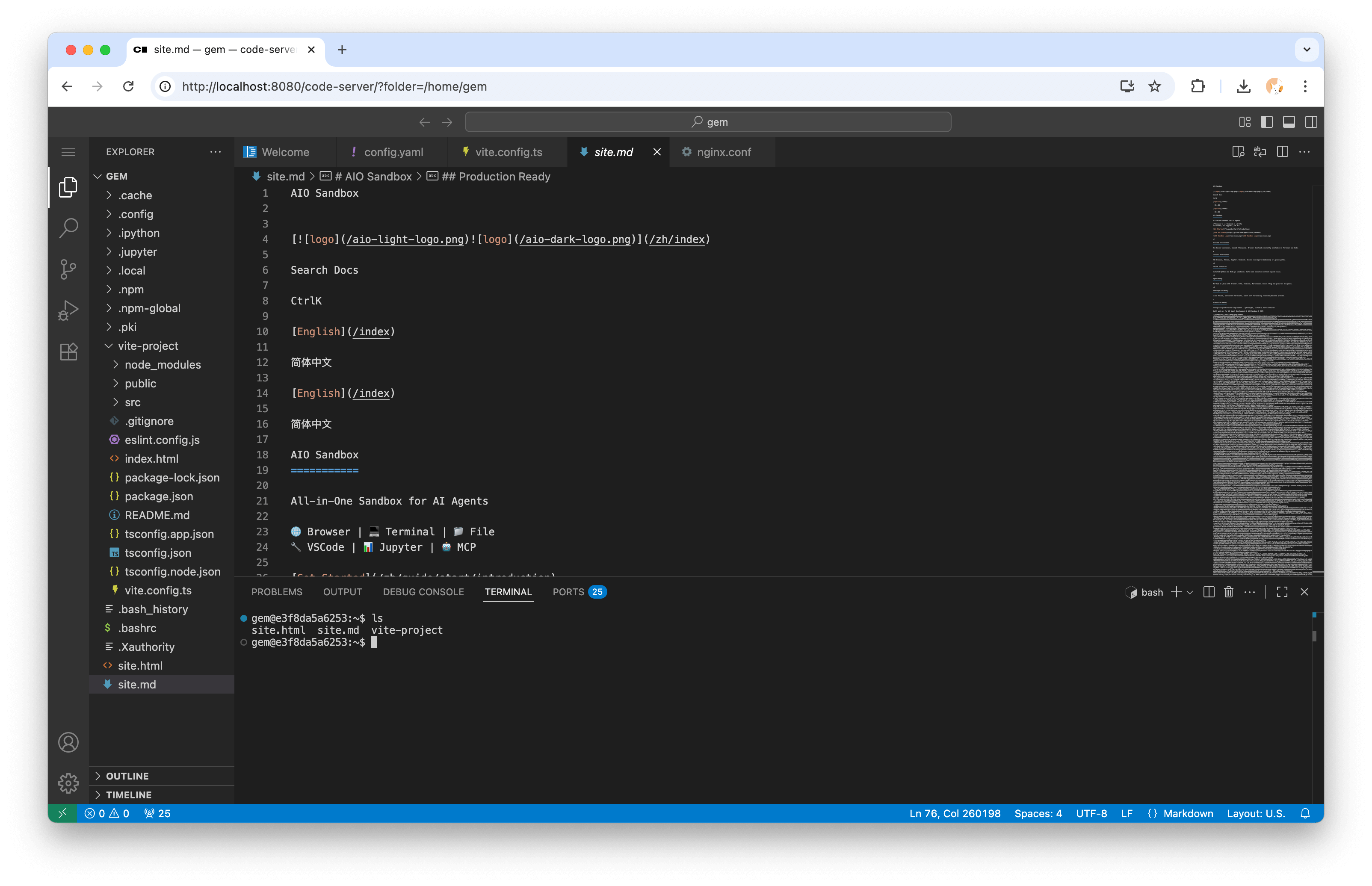
Integrated development environment with:
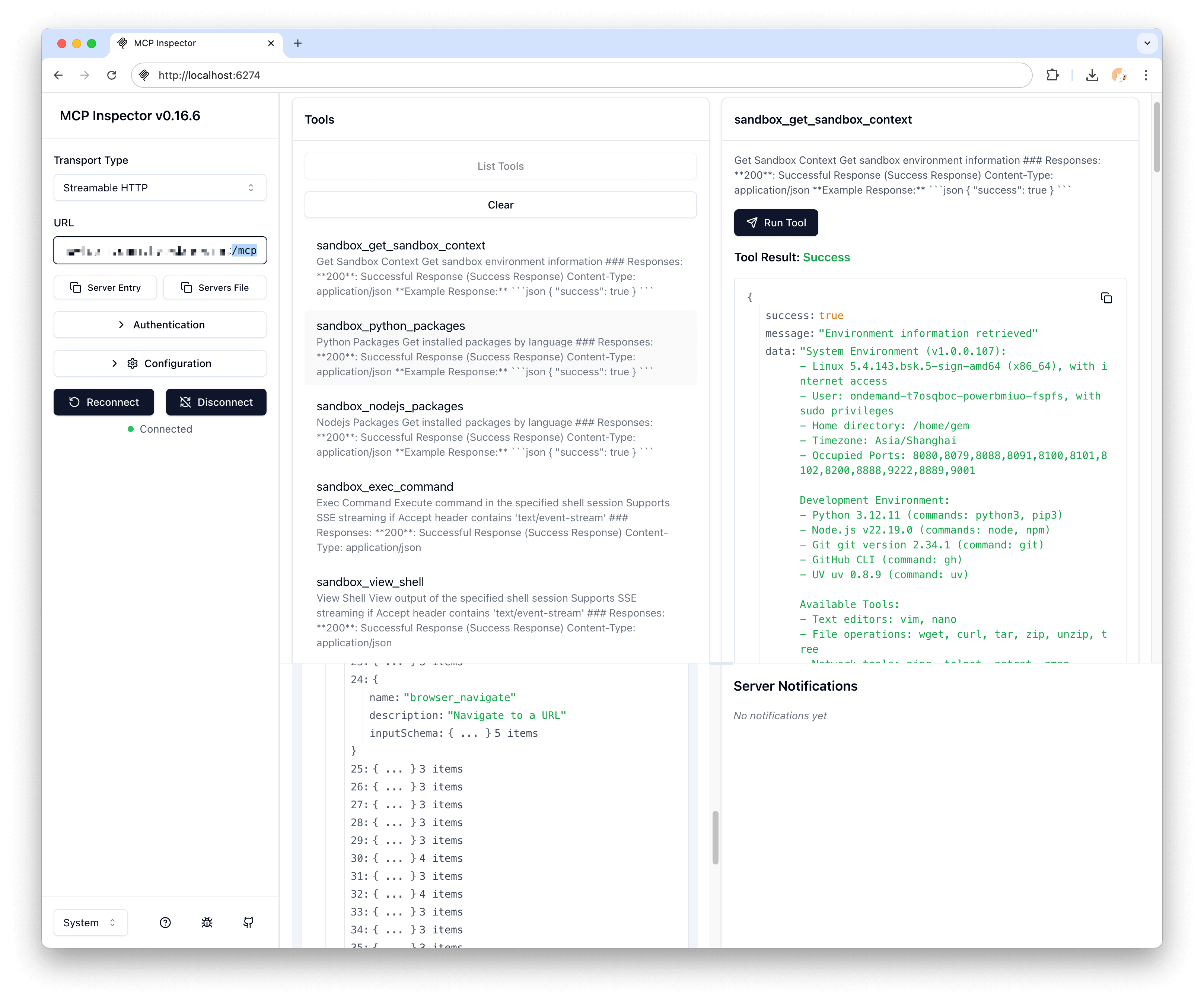
Pre-configured Model Context Protocol servers:
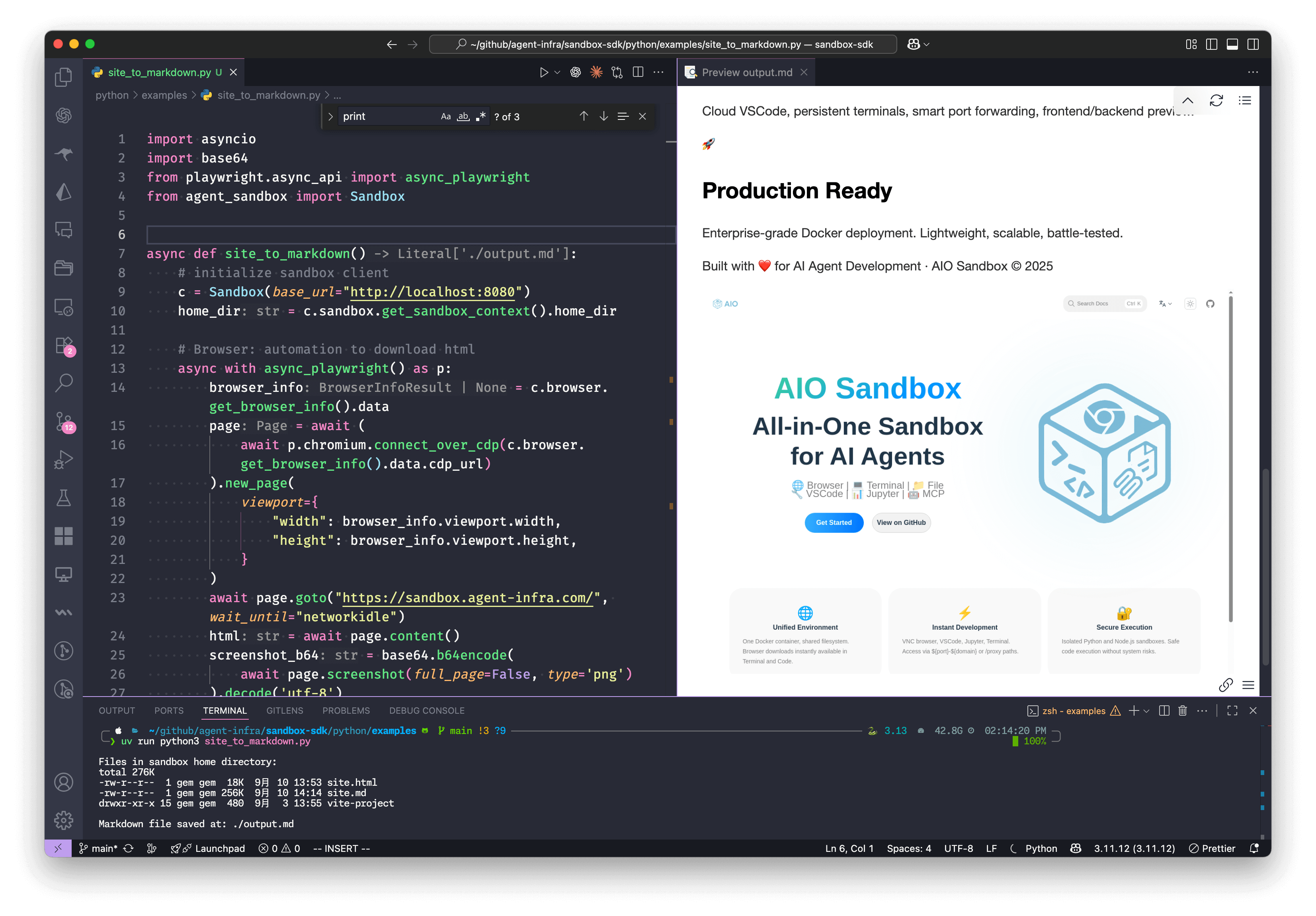
Convert a webpage to Markdown with embedded screenshot:
import asyncio import base64 from playwright.async_api import async_playwright from agent_sandbox import Sandbox async def site_to_markdown(): # Initialize sandbox client c = Sandbox(base_url="http://localhost:8080") home_dir = c.sandbox.get_context().home_dir # Browser: Automation to download HTML async with async_playwright() as p: browser_info = c.browser.get_info().data page = await (await p.chromium.connect_over_cdp(browser_info.cdp_url)).new_page() await page.goto("https://example.com", wait_until="networkidle") html = await page.content() screenshot_b64 = base64.b64encode(await page.screenshot()).decode('utf-8') # Jupyter: Convert HTML to markdown in sandbox c.jupyter.execute_code(code=f""" from markdownify import markdownify html = '''{html}''' screenshot_b64 = "{screenshot_b64}" md = f"{{markdownify(html)}}\\n\\n" with open('{home_dir}/site.md', 'w') as f: f.write(md) print("Done!") """) # Shell: List files in sandbox list_result = c.shell.exec_command(command=f"ls -lh {home_dir}") print(f"Files in sandbox: {list_result.data.output}") # File: Read the generated markdown return c.file.read_file(file=f"{home_dir}/site.md").data.content if __name__ == "__main__": result = asyncio.run(site_to_markdown()) print(f"Markdown saved successfully!")
┌─────────────────────────────────────────────────────────────┐
│                    🌐 Browser + VNC                        │
├─────────────────────────────────────────────────────────────┤
│  💻 VSCode Server  │  🐚 Shell Terminal  │  📁 File Ops   │
├─────────────────────────────────────────────────────────────┤
│              🔗 MCP Hub + 🔒 Sandbox Fusion               │
├─────────────────────────────────────────────────────────────┤
│         🚀 Preview Proxy + 📊 Service Monitoring          │
└─────────────────────────────────────────────────────────────┘
| Endpoint | Description |
|---|---|
/v1/sandbox | Get sandbox environment information |
/v1/shell/exec | Execute shell commands |
/v1/file/read | Read file contents |
/v1/file/write | Write file contents |
/v1/browser/screenshot | Take browser screenshot |
/v1/jupyter/execute | Execute Jupyter code |
| Server | Tools Available |
|---|---|
browser | navigate, screenshot, click, type, scroll |
file | read, write, list, search, replace |
shell | exec, create_session, kill |
markitdown | convert, extract_text, extract_images |
version: '3.8'
services:
  sandbox:
    container_name: aio-sandbox
    image: ghcr.io/agent-infra/sandbox:latest
    volumes:
      - /tmp/gem/vite-project:/home/gem/vite-project
    security_opt:
      - seccomp:unconfined
    extra_hosts:
      - "host.docker.internal:host-gateway"
    restart: "unless-stopped"
    shm_size: "2gb"
    ports:
      - "${HOST_PORT:-8080}:8080"
    environment:
      PROXY_SERVER: ${PROXY_SERVER:-host.docker.internal:7890}
      JWT_PUBLIC_KEY: ${JWT_PUBLIC_KEY:-}
      DNS_OVER_HTTPS_TEMPLATES: ${DNS_OVER_HTTPS_TEMPLATES:-}
      WORKSPACE: ${WORKSPACE:-"/home/gem"}
      HOMEPAGE: ${HOMEPAGE:-}
      BROWSER_EXTRA_ARGS: ${BROWSER_EXTRA_ARGS:-}
      TZ: ${TZ:-Asia/Singapore}
      WAIT_PORTS: ${WAIT_PORTS:-}
apiVersion: apps/v1
kind: Deployment
metadata:
  name: aio-sandbox
spec:
  replicas: 2
  template:
    spec:
      containers:
      - name: aio-sandbox
        image: ghcr.io/agent-infra/sandbox:latest
        ports:
        - containerPort: 8080
        resources:
          limits:
            memory: "2Gi"
            cpu: "1000m"
import asyncio

from agent_sandbox import Sandbox
from browser_use import Agent, Tools
from browser_use.browser import BrowserProfile, BrowserSession
from browser_use.llm import ChatOpenAI

sandbox = Sandbox(base_url="http://localhost:8080")
print("sandbox", sandbox.browser)
cdp_url = sandbox.browser.get_info().data.cdp_url

browser_session = BrowserSession(
    browser_profile=BrowserProfile(cdp_url=cdp_url, is_local=True)
)
tools = Tools()


async def main():
    agent = Agent(
        task='Visit https://duckduckgo.com and search for "browser-use founders"',
        llm=ChatOpenAI(model="gcp-claude4.1-opus"),
        tools=tools,
        browser_session=browser_session,
    )

    await agent.run()
    await browser_session.kill()

    input("Press Enter to close...")


if __name__ == "__main__":
    asyncio.run(main())
from langchain.tools import BaseTool
from agent_sandbox import Sandbox

class SandboxTool(BaseTool):
    name = "sandbox_execute"
    description = "Execute commands in AIO Sandbox"

    def _run(self, command: str) -> str:
        client = Sandbox(base_url="http://localhost:8080")
        result = client.shell.exec_command(command=command)
        return result.data.output
from openai import OpenAI
from agent_sandbox import Sandbox
import json

client = OpenAI(
    api_key="your_api_key",
)
sandbox = Sandbox(base_url="http://localhost:8080")


# define a tool to run code in the sandbox
def run_code(code, lang="python"):
    if lang == "python":
        return sandbox.jupyter.execute_code(code=code).data
    return sandbox.nodejs.execute_nodejs_code(code=code).data


# Use OpenAI
response = client.chat.completions.create(
    model="gpt-4",
    messages=[{"role": "user", "content": "calculate 1+1"}],
    tools=[
        {
            "type": "function",
            "function": {
                "name": "run_code",
                "parameters": {
                    "type": "object",
                    "properties": {
                        "code": {"type": "string"},
                        "lang": {"type": "string"},
                    },
                },
            },
        }
    ],
)


if response.choices[0].message.tool_calls:
    args = json.loads(response.choices[0].message.tool_calls[0].function.arguments)
    print("args", args)
    result = run_code(**args)
    print(result['outputs'][0]['text'])
We welcome contributions! Please see our Contributing Guide for details.
AIO Sandbox is released under the Apache License 2.0.
Built with ❤️ by the Agent Infra team. Special thanks to all contributors and the open-source community.
Ready to revolutionize your AI development workflow?
⭐ Star us on GitHub •
📚 Read the Docs •
🐛 Report Issues